Billing software is considered to be an essential factor in the sustainability and growth of any kind of business as they help you measure business growth. Restaurant, Bakery, and other retail billing software help in the decision-making of whether to upgrade strategies in the business plan or to cut some.
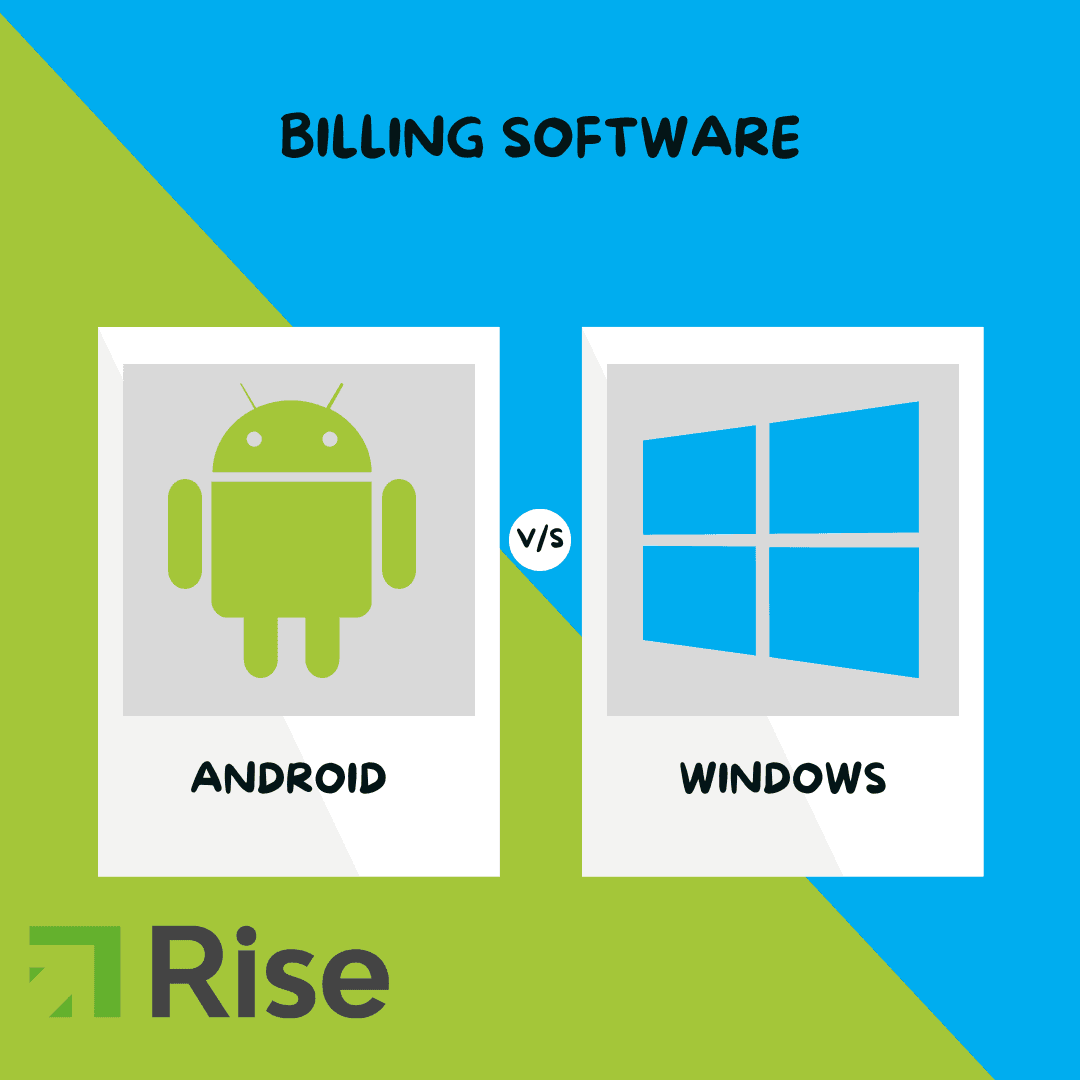
Many businesses depend upon billing software to automate the invoicing processes to reduce the chances of human error. While there are several operating systems on which billing software is used, in this blog post we are going to explore the popular ones which are Windows Billing Software and Android Billing Software. Windows billing software is developed and maintained by Microsoft whereas Android is developed and maintained by Google and its partners. Following are the dashboards of the 2 billing software.

Windows Billing Software

Android Billing Software
Windows Billing Software |
Android Billing Software |
| Windows Billing Software has rugged and powerful features such as Inventory tracking, purchase order management, and expense tracking. | Android Billing Software has robust features similar to Windows such as inventory tracking purchase order management and expense tracking |
| MS Office is easily available and accessible to the optimum potential. | Has limited accessibility to MS Office. Though Google docs and Google sheets can be used on Android |
| The user needs to be technically sound and has to have amateur knowledge of computers as it includes software updates. | The user does not need to be tech-savvy as Android is easy to use as it is used in day-to-day lives, on phones and tablets. |
| Windows is a licensed source where updates are difficult to be maintained and are paid subscriptions. | Android is an open source where updates are easy to be maintained from the google play store and all the updates are free of cost. |
| Better suited for setting up local servers for the purpose of the captain app, kitchen display system, etc | Independent Terminals, and serverless applications. Which is used for QSRs and small businesses primarily for quick and easy customer billing |
| High-performance windows hardware is expensive | High-performance android hardware is relatively cheaper |
Operating Systems and User Interface
The most evident difference between Windows Billing Software and Android Billing Software is the platform on which they run. Windows billing software is programmed to run on Windows whereas Android billing software is programmed to run on Android operating systems. The inescapable difference is seen and noticed in the user interface; both are quite distinct from each other.
Windows billing software has a cliche desktop-style interface, including taskbars, menu options, and a screen that is compatible with a mouse and a keyboard. The design of the dashboard will depend upon the specific program.
The user interface for Android billing software on the other hand is optimized for use on tablets, mobile phones as well as desktops. The software is typically designed with larger buttons and more intuitive controls optimized for touchscreens.
Features and Functionality
Similarities between Windows billing software and Android billing software are the range of features and functionality that each platform offers.
Windows billing software typically has a broader feature set and more robust functionality. These programs are often designed for use in larger businesses with more complex invoicing needs. Windows billing software can include features such as inventory tracking, purchase order management, and expense tracking. These programs may also integrate with other software applications, such as accounting software or customer relationship management (CRM) software.
Android Billing Software also provides features like Inventory tracking, expense reports, and purchase order management. It can also integrate with other software and applications.
Conclusion
A new to the industry business should go with the Android Billing Software considering the fact that it may not need heavy functionality or Local Server Setup. A small bakery or a QSR will need independent terminals in order to cut costs and function effectively. Whereas if you are a brand or a fine dining restaurant, you may need Windows Billing Software as you may want a Local Server Setup to place multiple orders at the same time.
Alternatively, it would also be a good idea to use Android POS hardware for quick and easy billing but the more detailed tasks such as data analysis, raw material, recipe, item creations, etc can be done on a back office windows computer. A combination of Android and Windows systems would be great not just for small businesses but for enterprises as well.
However Rise POS offers both Windows and Android Billing Software.